How do you read an AI candlestick analysis?
Choose a way to start
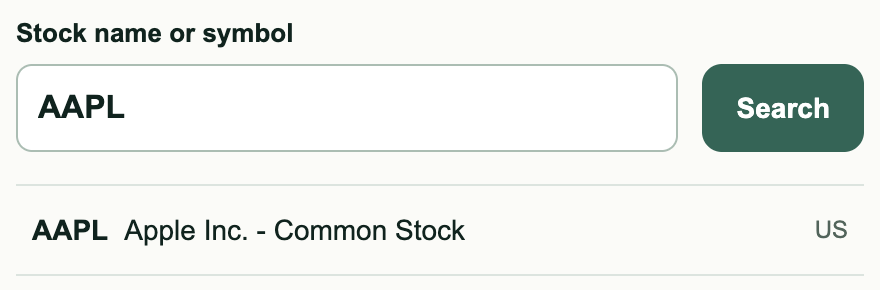
Find your stock
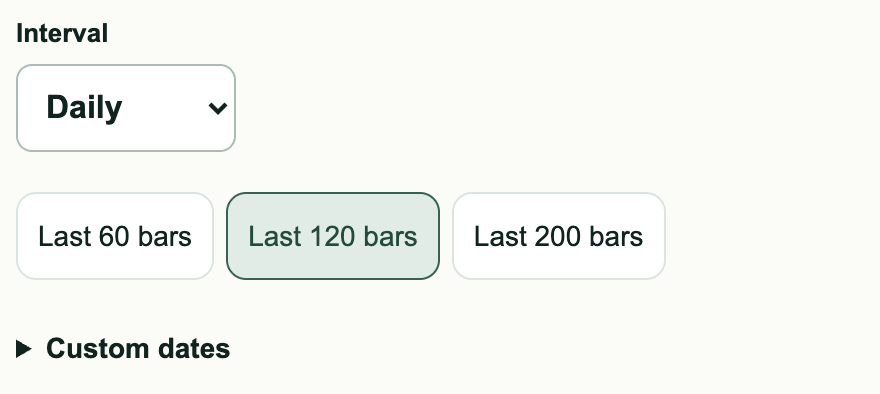
Choose the timeframe and range
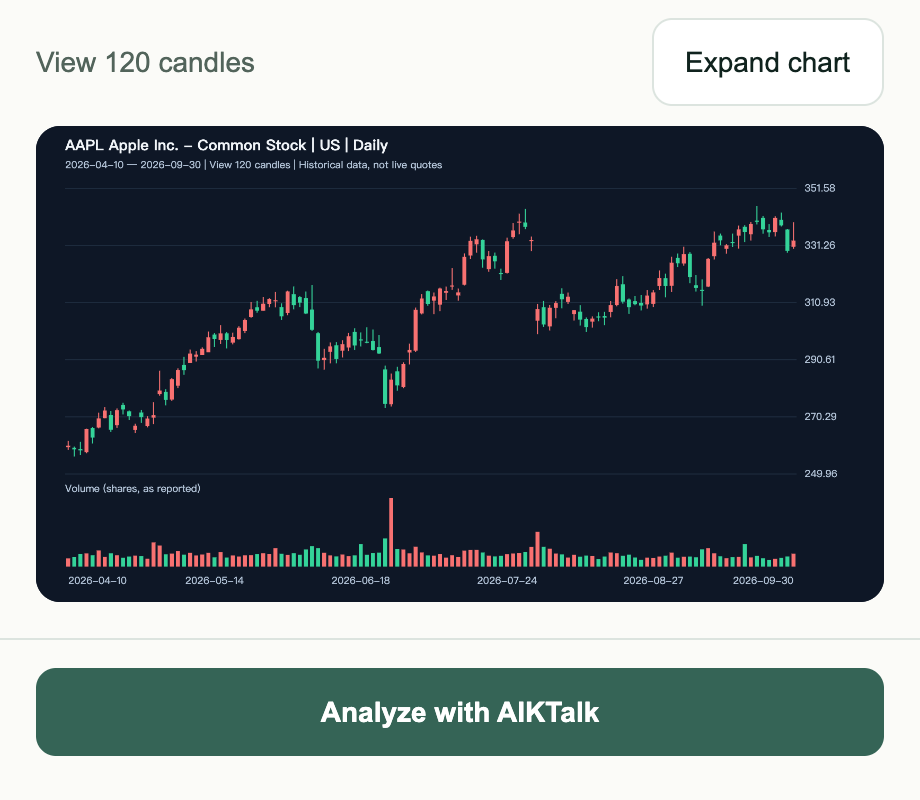
Preview and send to AI
How to prepare a candlestick screenshot
1DEMO (fictional) | Daily | Red up, green down
5Personal details (example)
- 1Instrument and timeframeKeep the symbol and timeframe.
- 2Complete price swingsShow a full swing with clear candles and no menus covering them.
- 3Price scale and datesKeep the dates and price scale.
- 4Volume (when needed)Include volume when you want volume analysis.
- 5Personal informationHide names, account numbers and balances.
PNG, JPG or WebP; up to 12 MB per image.
Next, understand the AI annotations
Whether you look up a stock or upload a chart, the analysis lets you compare annotations, reasoning and conditions to watch. Try the markers in the teaching example below to explore the evidence.
Original teaching illustration, not an actual AI analysis. Red: up; green: down.
What does confidence mean?
- High confidence
- Several pieces of chart evidence agree.
- Medium confidence
- Evidence is present; further confirmation is needed.
- Low confidence
- Information is missing, positions are unclear, or evidence conflicts.
Confidence reflects agreement among evidence, not a win rate. AI can misinterpret charts; analysis excludes live quotes and personalized investment advice.